Roblox UGC 3D model generator
Nilo is the fastest way to generate, customize, animate, and export 3D assets for Roblox, without touching Blender. Start from a text prompt, an image, or a sketch. No plugin to install.


 Join 150K+ creators. Sponsored by Supercell and a16z speedrun. For ages 13 and up.
Roblox-style models from Nilo
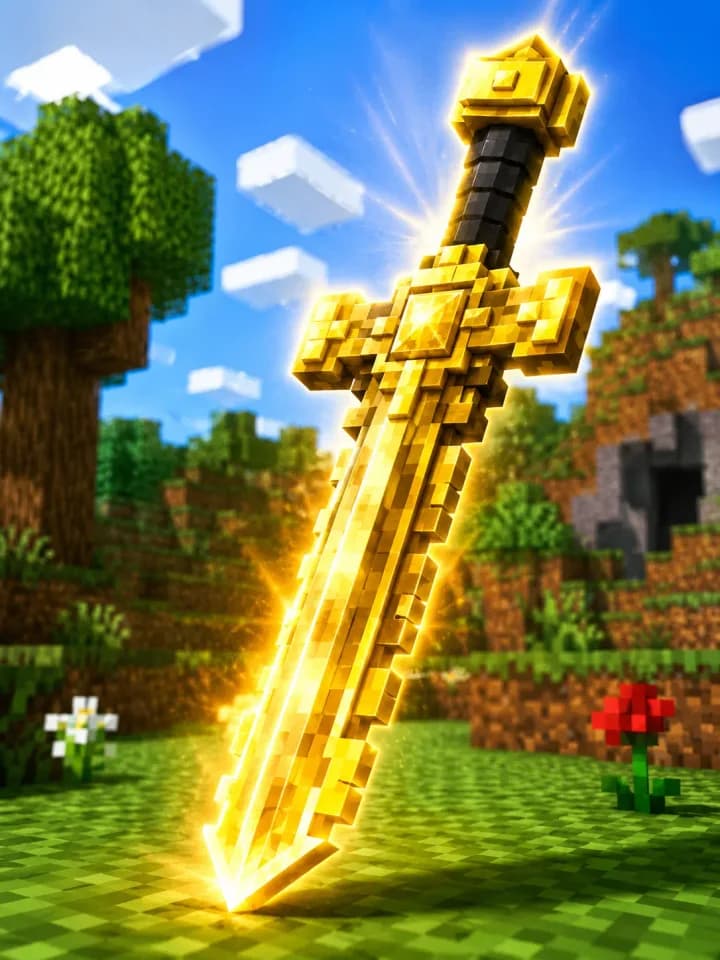
Golden sword 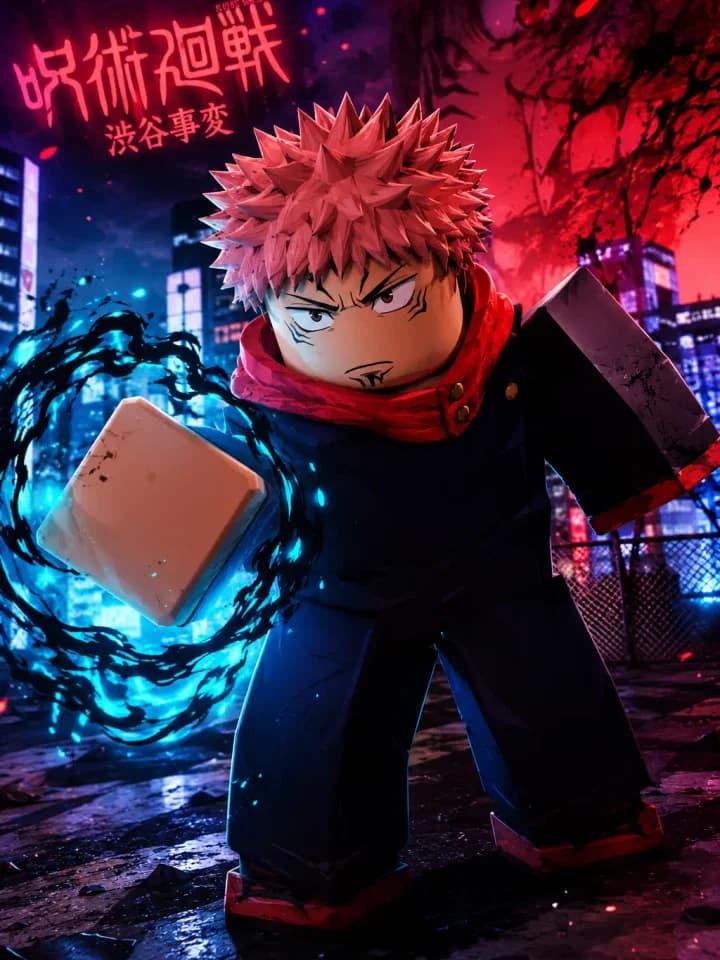
Anime hero 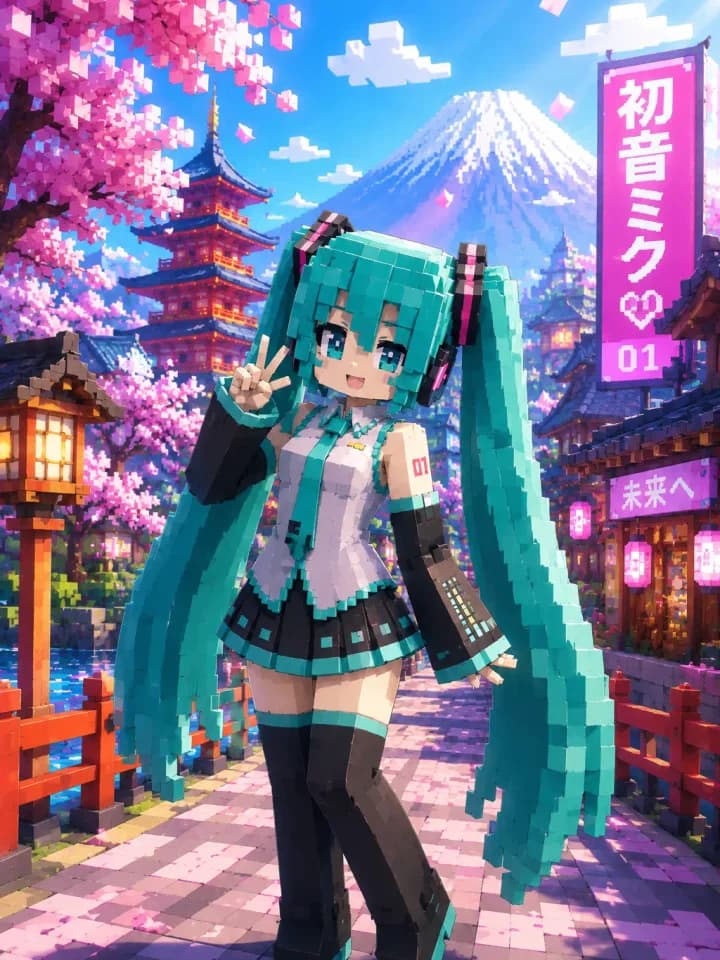
Twin-tail character 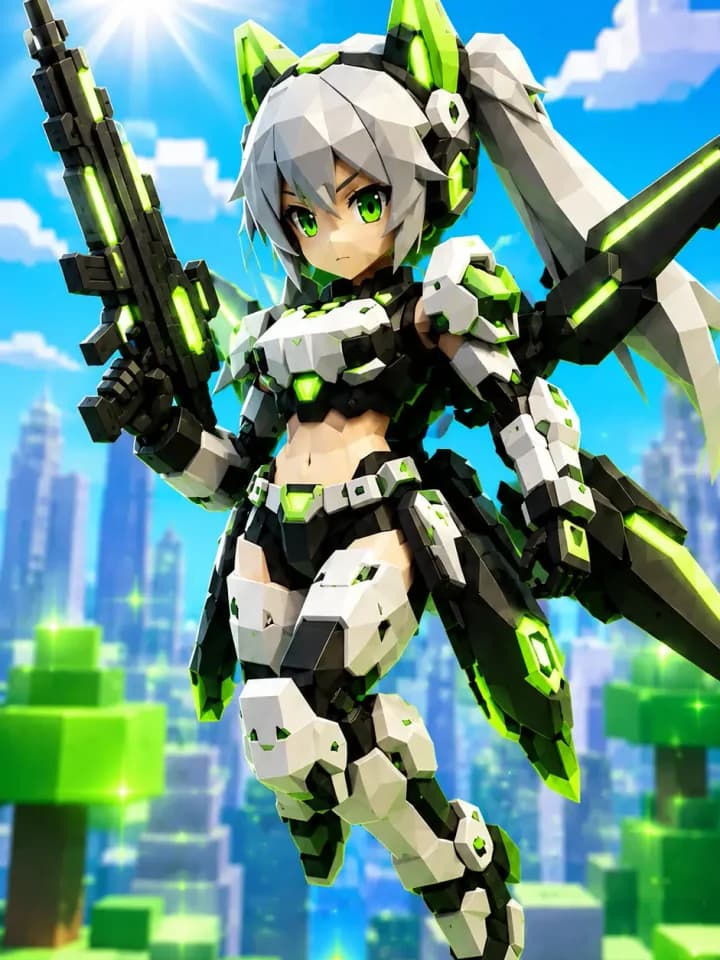
Mecha character 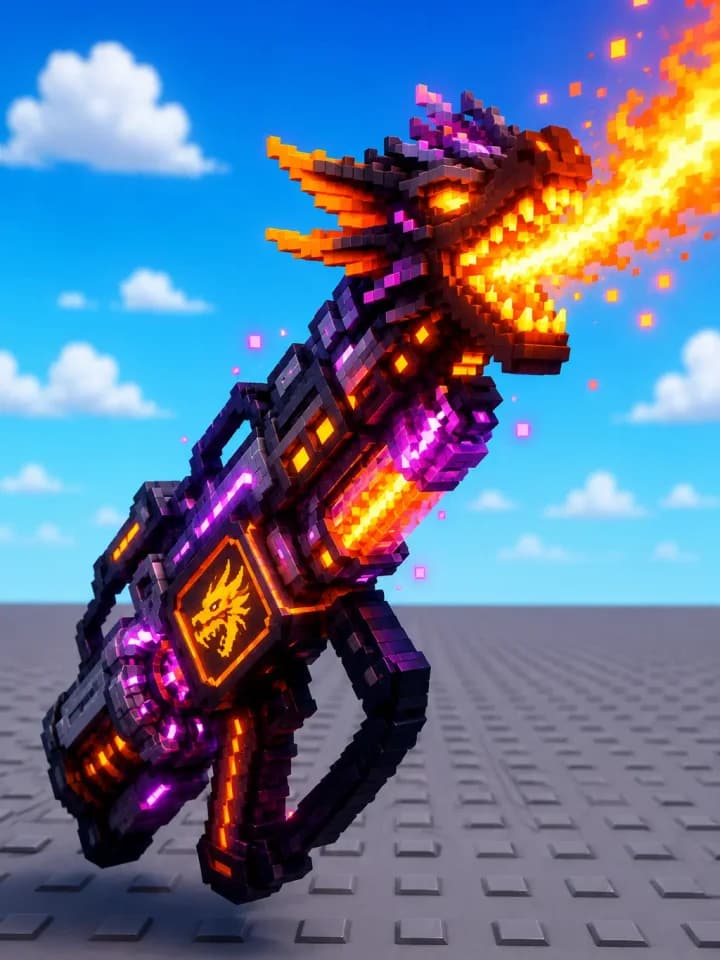
Dragon flamethrower 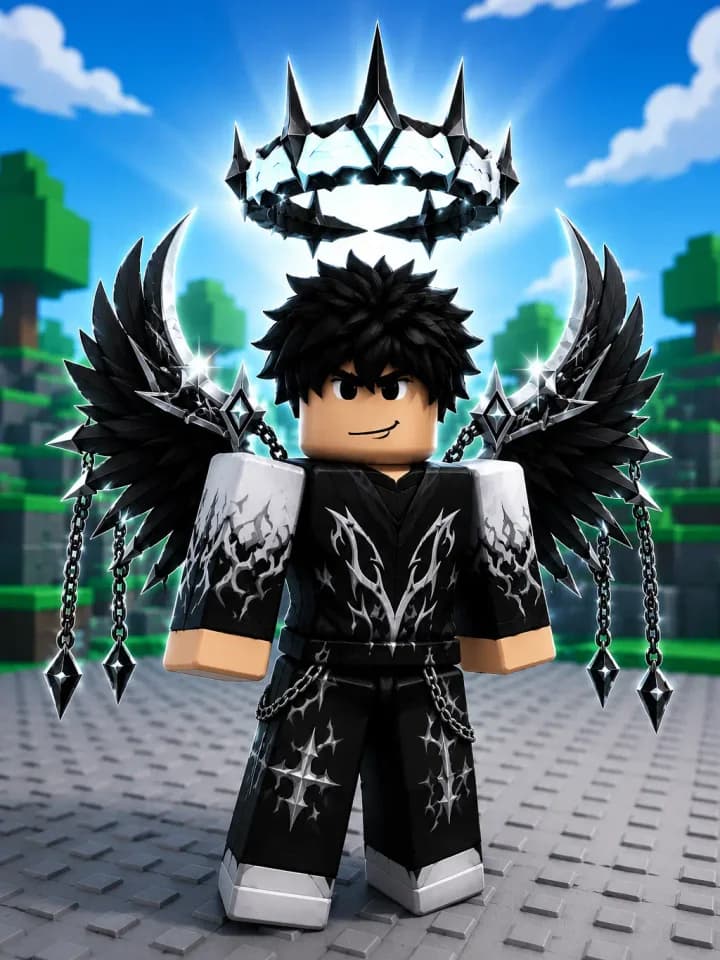
Winged character
Accessories, characters, and props in the blocky look creators publish on Roblox.


How do you make Roblox UGC items?
You make a Roblox UGC item by describing an accessory or model, generating it in the browser, and exporting a file you can upload in Roblox Studio. Nilo turns a text prompt, image, or sketch into a Roblox-ready 3D model without Blender or a plugin.
Paint a skin, set the polycount with the level of detail slider, and rig or animate before you export. With Nilo, you can use any of the latest image and 3D generation models from any provider. The file is yours to publish on the Roblox Marketplace.
How to attach and export a UGC item
This walkthrough shows attachments. Generate a 3D accessory, snap it onto a Roblox character, export it to Roblox, and connect your Roblox account to Nilo. Watch on YouTube.
From a prompt to a Roblox-ready file
The workflow stays on Roblox: generate the accessory, check it in the browser, then hand Roblox Studio a file it can import.

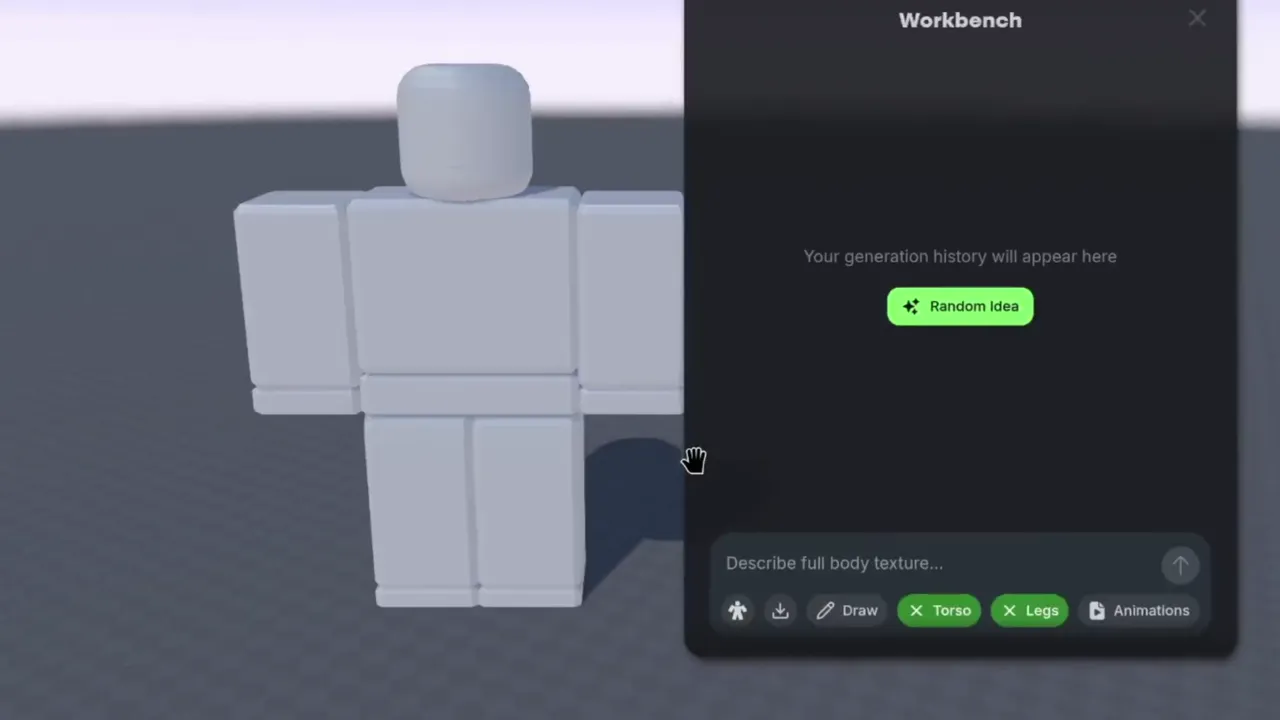
Design the avatar, skin, or accessory
Paint a full-body texture, add an attachment, and generate an animation from a text prompt. The workbench is set up for the blocky avatars Roblox UGC uses.
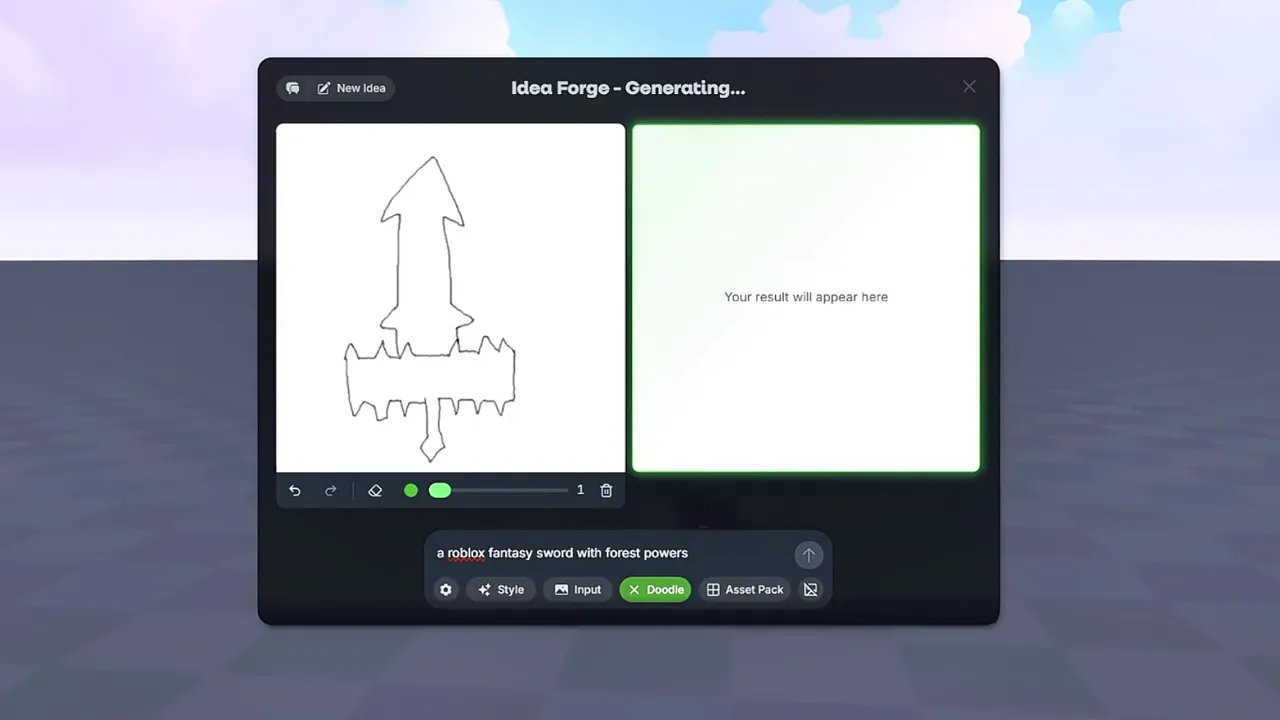
Generate the 3D model
Type the item, upload a reference, or doodle it. Nilo builds the model in the browser so you can change it before it goes anywhere near Roblox Studio.
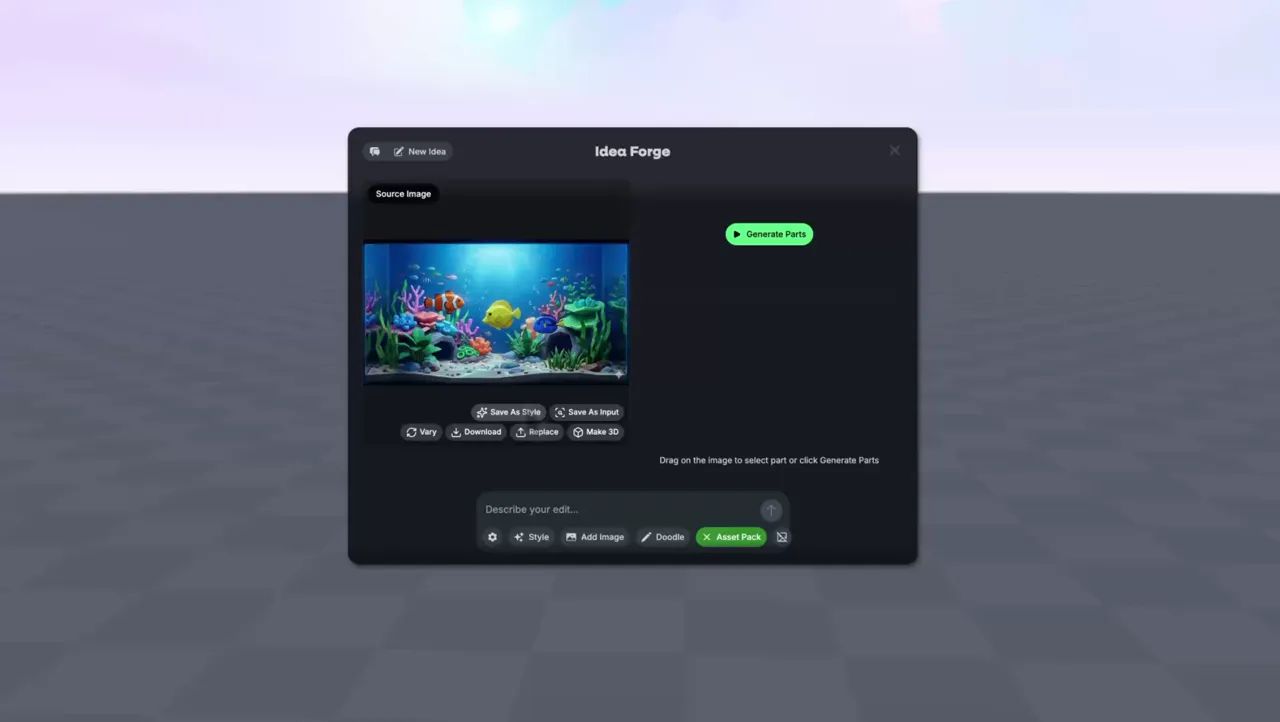
Make a matching set for a listing
Turn one concept image into a pack of props that share a style, then keep the pieces you want to publish together.
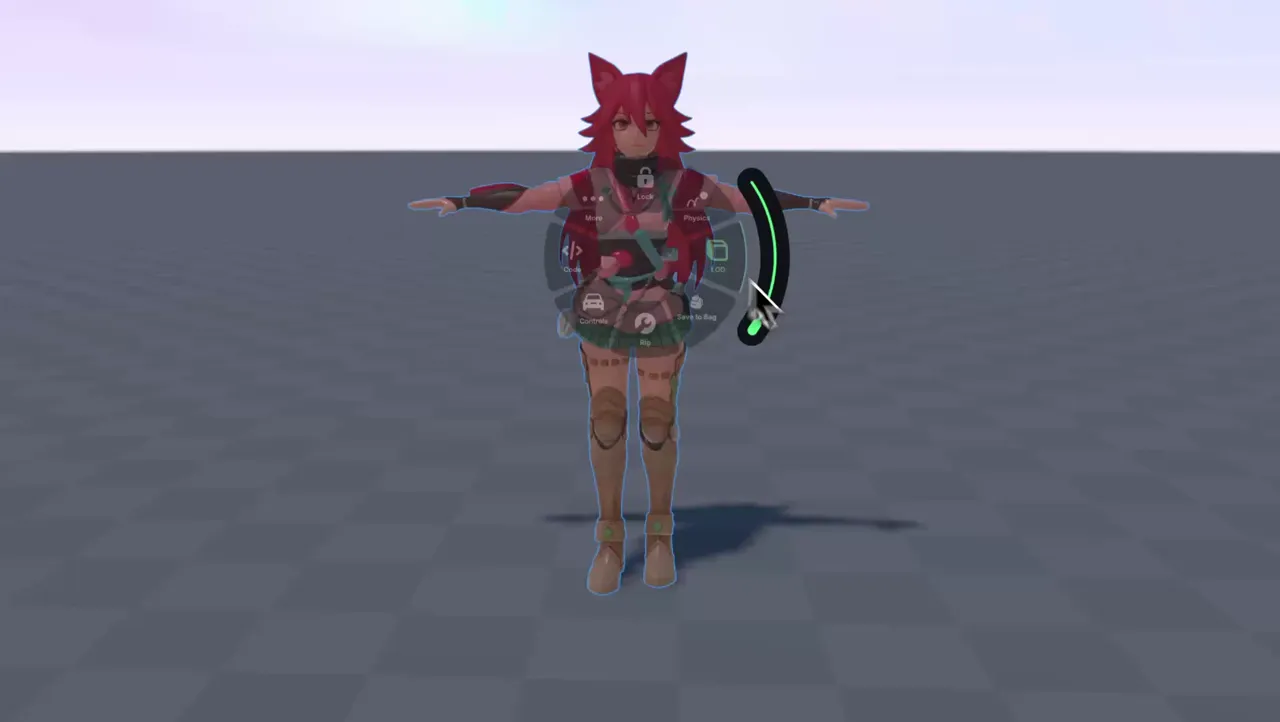
Rig it and keep the polycount in check
Use the level of detail slider, rig with one click, and generate an animation from text or video. Lighter meshes matter on phones, where a lot of Roblox play happens.
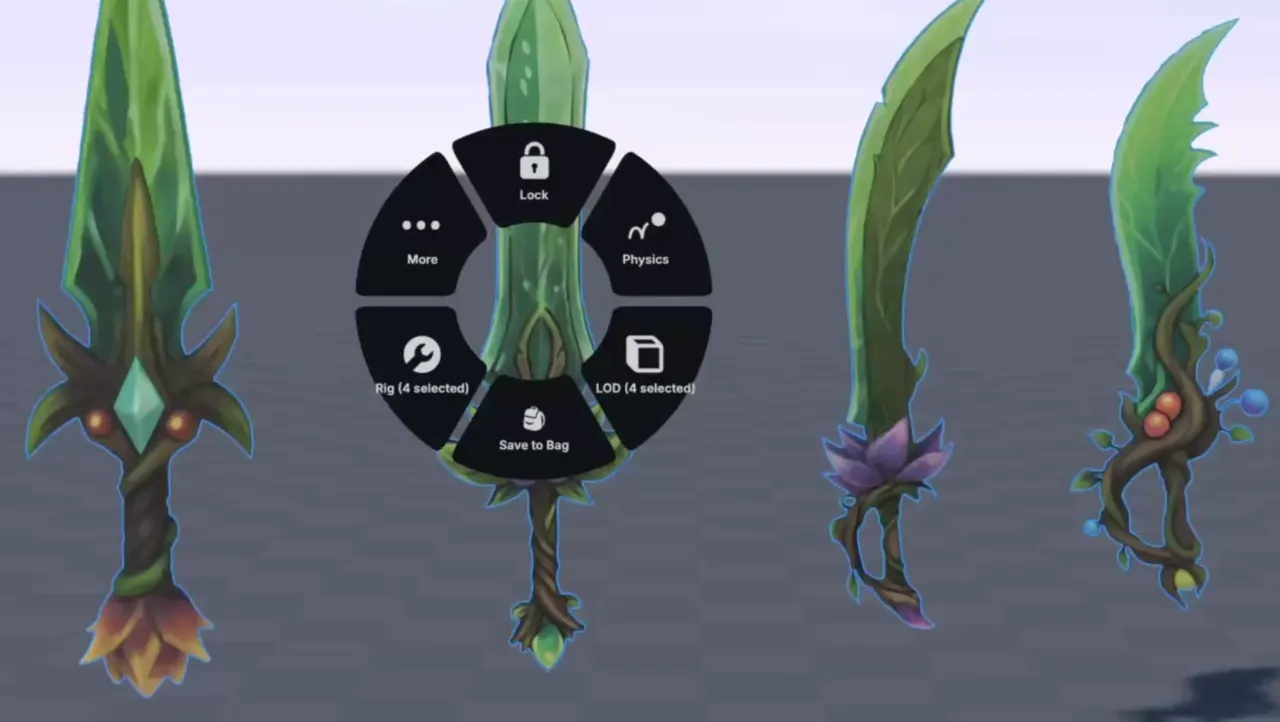
Export and upload to Roblox Studio
Click Export and download a Roblox-ready .fbx, .glb, or .stl file. Import it into Roblox Studio. Nilo is not a plugin.
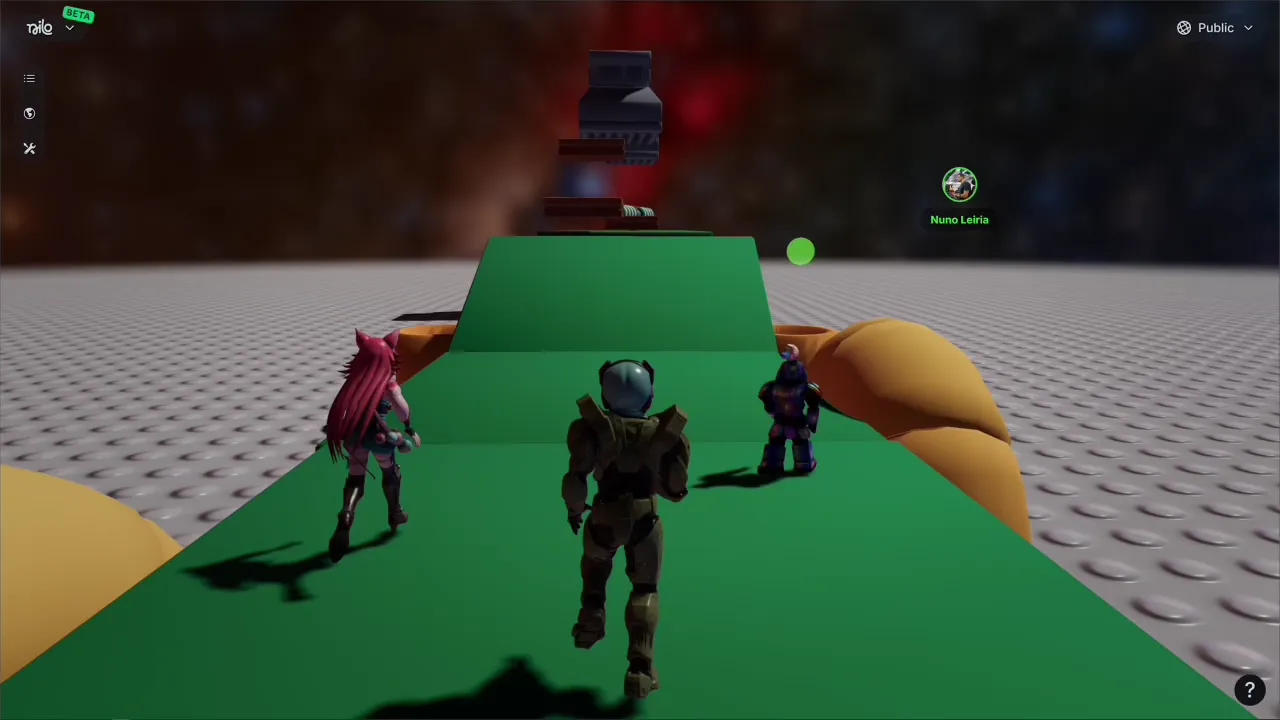
Walk around with it before you upload
Drop the accessory into a Nilo world and run around with it in the browser. Export it once it feels right in motion.
Part of Nilo, a game platform
A Roblox accessory is one thing you can make here. Nilo is a game platform for making games with AI. Put the model in a world, shape the game with Nilo AI, and invite friends to play in the browser. When it is ready for Roblox, export it and upload the file in Roblox Studio.
Questions about Roblox UGC
How do you make Roblox UGC items with Nilo?
Describe the accessory or model with a text prompt, image, or sketch. Nilo generates the 3D model in your browser. Export a .fbx, .glb, or .stl file and import it into Roblox Studio. You do not install a plugin.
Can I sell what I make on the Roblox Marketplace?
Yes. Models, skins, and UGC items you create in Nilo are yours to use, publish, and monetize on the Roblox Marketplace or anywhere else.
Is Nilo a Roblox plugin?
No. Nilo runs in the browser. You create the model there, export the file, and import it into Roblox Studio.
Do I need Blender or coding experience?
No. If you can describe the item with a prompt, a sketch, or a reference image, Nilo can build it, rig it, and animate it.
How do I keep a UGC model from lagging on phones?
Use the level of detail slider to set the polycount before you export. That keeps the mesh lighter for phones.
Who can use Nilo?
Nilo is for people 13 and older. If you are under the age of majority where you live, a parent or guardian needs to agree to the terms and supervise your use.
Make the accessory, then export it
Open Nilo, generate a Roblox-ready model, and download the file for Roblox Studio. The same account is where you make games with friends. Go to the Nilo homepage.
Try it free