Written by: Nuno Leiria, Founder & CEO @ Nilo
Key Takeaways
- Traditional Roblox creation tools rely on desktop installs, Lua scripting, and separate apps that slow you down as an aspiring builder.
- A true Replit-style Roblox Studio alternative in your browser needs no-install access, natural-language AI coding, real-time collaboration, and Roblox-compatible export.
- When you compare tools, focus on AI-assisted 3D asset generation with automatic LOD, vibe coding for interactive logic, and one-click export that respects Roblox’s triangle limits.
- Most existing tools miss at least one of these: Replit has no 3D, Roblox Studio needs installs and code, and browser tools rarely export Roblox-ready assets.
- Nilo combines all four requirements in one browser tab, so you can start building in your browser today.
The Friction Aspiring Builders Face Today
You have a game idea. Maybe it is a custom obby, a roleplay world, or a tycoon with your own props. The moment you try to build it, the process fragments. Roblox Studio requires a desktop install. Making anything interactive means learning Lua scripting. Creating custom 3D models means learning Blender, which takes months. None of these tools talk to each other cleanly.

What you actually want is simple: open a browser tab, describe what you want to build, collaborate with a friend, and export something Roblox can use. That is the Replit model applied to 3D game creation, and most tools still leave that gap wide open. This is where it helps to understand exactly how each barrier slows you down before you even start.
Why Installs, Scripting, and Fragmented Toolchains Break Momentum
Desktop installs create an immediate barrier. Roblox Studio, Unity, and Blender all require downloads, setup, and hardware capable of running them. If you just want to start creating, that friction kills momentum before a single asset exists.
Scripting becomes the next wall. Roblox Studio uses Lua, a programming language that takes real time to learn. You might have strong spatial ideas and solid building instincts, but you still get stuck because you cannot make anything interactive without code or a scripter partner.
Tool-switching adds even more drag. A typical Roblox asset pipeline looks like this: generate a model in an AI tool like Meshy, clean up the geometry in Blender (a process called retopology, where you manually fix the mesh so it meets Roblox’s polygon limits), import into Roblox Studio, fix any rig or texture errors, and finally test. Each handoff introduces new errors and eats time. As one builder described it in Nilo’s February 2026 survey: “Picture yourself, frustrated because you spent the last 5 hours 3D modeling a shipping container.”
AI-Native Browser Tools for 3D Roblox Creation
You should look for a category of tools that combines four things: browser access with no install, natural-language prompts so you can create 3D games by talking, texting, or sending images to the AI, real-time multiplayer collaboration, and export that respects Roblox’s strict performance requirements.
No single incumbent tool delivers all four. Replit handles browser-based coding well but has no 3D game engine or Roblox export. Roblox Studio handles Roblox export but requires a desktop install and scripting knowledge. Blender handles 3D modeling but is not a game engine, not browser-based, and not AI-native. A new wave of AI-native browser tools is growing to fill this gap, and you can use that checklist to judge each one.
See how Nilo brings these four capabilities together in one place.
Capability Deep Dive: 3D Asset Generation and Refinement
Creating a usable 3D asset takes more than typing a prompt and downloading a file. The output needs clean topology, polygon counts within Roblox’s 10K–20K triangle cap, and textures at or below 1024×1024 pixels. Most AI generation tools, including standalone Meshy or Tripo, produce models that exceed these limits and still need manual cleanup in Blender.

Tools that combine multiple AI providers behind one interface give you more creative control without extra technical work. You can switch between generation models based on quality, style, or speed. A sketch-to-3D pipeline, where you draw in 2D and refine with AI before placing assets in a 3D world, adds precision that pure text-prompt tools cannot match.
Capability Deep Dive: Scripting Alternatives and Natural-Language Logic
Vibe coding means using natural language to generate working game logic. You describe what you want to happen, and the AI writes the code. If you are not a programmer, this removes the single biggest barrier to making interactive games.
Most vibe coding tools hide the code they generate, which limits your learning. A stronger approach lets you inspect and tweak real variables, like changing speed = 2 to speed = 20, so you learn programming concepts while you build. Support for prompts in any language, not just English, also matters when you are part of a global builder community.
Capability Deep Dive: World Building, Optimization, Collaboration, and Export
World building in a browser-based tool should feel spatial and interactive, not like filling out a form. Real-time physics, where objects move, collide, and react as you place them, turns creation into play instead of configuration. Building a world is only half the challenge though, because your game also needs to run smoothly on Roblox.

Optimization is where many tools fail Roblox builders specifically. LOD, or level of detail, automatically reduces polygon counts as objects move farther from the camera. This system is critical for meeting Roblox’s performance caps without manual work. Tools without built-in LOD push that burden onto you.
Collaboration in the Replit sense means sharing a link and building together in real time on any device. Most desktop tools rely on file sharing, version control, or plugin coordination. That workflow feels clunky if you grew up in multiplayer games and expect instant co-op.
Export to Roblox involves more than saving a file. The exported model needs correct rig structure, optimized polygon counts, and compatible texture formats. Export pipelines that handle this automatically, outputting FBX, OBJ, STL, or glTF files that import cleanly into Roblox Studio, save you hours of debugging.
Head-to-Head Comparison
| Tool | Browser-Based (No Install) | Natural-Language / AI Coding | Roblox Export with LOD |
|---|---|---|---|
| Nilo | Yes, runs on desktop and mobile browsers via WebAssembly and WebGPU | Yes, vibe coding with real-time 3D feedback using text, voice, or image prompts | Yes, built-in LOD slider and exports FBX, OBJ, STL, glTF tuned for Roblox’s 10K–20K polygon cap |
| Unity | Partial, a browser-based editor is in development but the core engine still needs a desktop install | No native natural-language coding, third-party AI integrations are available | No direct Roblox export, manual format conversion is required |
| Roblox Studio | No, desktop install required | No native vibe coding, Lua scripting required | Native Roblox platform with no export needed, but no LOD automation |
| Blender | No, desktop install required | No native AI coding | Manual export to FBX with polygon optimization done by hand |
| PlayCanvas | Yes, browser-based game engine | No native natural-language coding | No direct Roblox export |
| Rosebud AI | Yes, browser-based | Yes, AI-assisted code generation | No Roblox export and no LOD system |
| Oasiz | Yes, browser-based canvas editor | Partial, AI generation without a full code editor | No Roblox export confirmed |
| Spawn | Yes, browser-based | Partial, AI generation focused | No Roblox export confirmed |
| Bitmagic | Yes, browser-based | Yes, vibe coding focused | No Roblox export confirmed |
| StoneLeap | Yes, browser-based | Yes, vibe coding focused | No Roblox export and monetization-focused |
| Upit | Yes, browser-based | Yes, AI-native vibe coding | No Roblox export confirmed |
| Arcade AI | Yes, browser-based | Yes, AI-generated games | No Roblox export confirmed |
| Tesana AI | Yes, browser-based | Yes, AI-native creation | No Roblox export confirmed |
| Lemonade.gg | Partial, AI assistant that plugs into Roblox Studio | Yes, AI asset creation within Roblox Studio | Yes, Roblox-native but requires the Roblox Studio desktop install |
| Sloyd | Yes, browser-based | Partial, AI model generation without coding | Exports standard formats but no automated Roblox LOD optimization |
| Replit | Yes, browser-based code editor | Yes, AI-assisted coding across languages | No 3D game engine and no Roblox export |
Decision Framework and Best-Practice Evaluation
Before choosing a tool, work through these questions to narrow down what you actually need. Start with the basics, like the type of output and how you like to create, then move into platform requirements and performance limits.
Do you need 2D or 3D output? Tools like Replit and Rosebud AI handle 2D or simple 3D well. If you are building environments, characters, and props for Roblox, you need a tool with a real 3D engine, not a canvas-based editor that only generates flat game logic.
Do you prefer visual building or code-first creation? Some tools, like Bitmagic and Arcade AI, lean heavily on prompt-to-game generation where AI does most of the work. Others, like Nilo, put you inside a 3D environment where you build hands-on and use AI as a co-pilot. The hands-on approach takes slightly more effort but gives you more creative control and teaches real game development concepts as you go.
Is Roblox export a hard requirement? If it is, your shortlist shrinks quickly. Lemonade.gg exports to Roblox but runs inside Roblox Studio. Nilo exports Roblox-ready files directly from the browser with automatic LOD optimization. Most other browser-based tools on this list do not offer confirmed Roblox export.
How fast do you need to go from idea to something playable? Look at onboarding speed. You should be able to open the tool and create something in under ten minutes without a tutorial. Browser-based tools with no install have a clear advantage here. Tools that require account setup, project configuration, or plugin installation slow you down before you have made anything.
What are the performance limits? Roblox has strict limits on triangles and texture sizes. Any tool you use for Roblox asset creation needs to either enforce these limits automatically or give you clear controls to stay within them. Manual optimization in Blender remains a fallback, but it is time-consuming.
Does the tool have learning value? Strong tools teach you real concepts like rigging, mesh topology, and LOD through the interface itself, not only through separate documentation. That learning compounds over time and makes you a stronger builder on any platform.
Three Scenarios to Guide Your Choice
First-time creator: You have never built anything outside of Roblox’s in-game tools. You want to make a custom prop or character without learning Blender. Look for a browser-based tool with text-to-3D generation, no install, and a clear path to exporting your first asset. Nilo’s open beta fits this profile, and it generates 3D characters, weapons, and props in seconds from sketches or prompts and optimizes polycount for direct Roblox Studio compatibility. As one builder noted in Nilo’s February 2026 survey: “I do not have to spend hours on 3D modeling the simplest things, now I can use Nilo and do it in 15 seconds.”

Roblox-focused builder: You already build in Roblox Studio but hit walls with custom assets and scripting. You need a tool that fits into your existing workflow without replacing it. Lemonade.gg works inside Roblox Studio if you want to stay in that environment. Nilo works outside it, so you generate, optimize, and export Roblox-ready files from the browser, then import them into Roblox Studio. The choice depends on whether you want to stay inside Roblox Studio or work in a separate creation space with more AI support.
Small collaborative team: You and two friends want to build a game together without juggling file transfers or version control. You need real-time multiplayer creation, where you share a link and everyone builds at the same time. Nilo supports this across desktop and mobile browsers. Most desktop tools, including Roblox Studio, do not offer real-time co-creation in the same session. As one builder put it in Nilo’s February 2026 survey: “I like how it feels like a good game engine rather than a vibe coding tool, with easy building and a good focus on being able to export and import content.”
Start creating your first Roblox-ready asset in under 10 minutes.
Nilo stands out in this comparison because it combines browser access with no install, a custom game engine with physics and WebGPU graphics, natural-language vibe coding with real-time 3D feedback, and one-click Roblox export with automatic LOD optimization, all in a single browser tab. Builder feedback supports this: the overwhelming majority would recommend the platform to friends based on their hands-on experience.
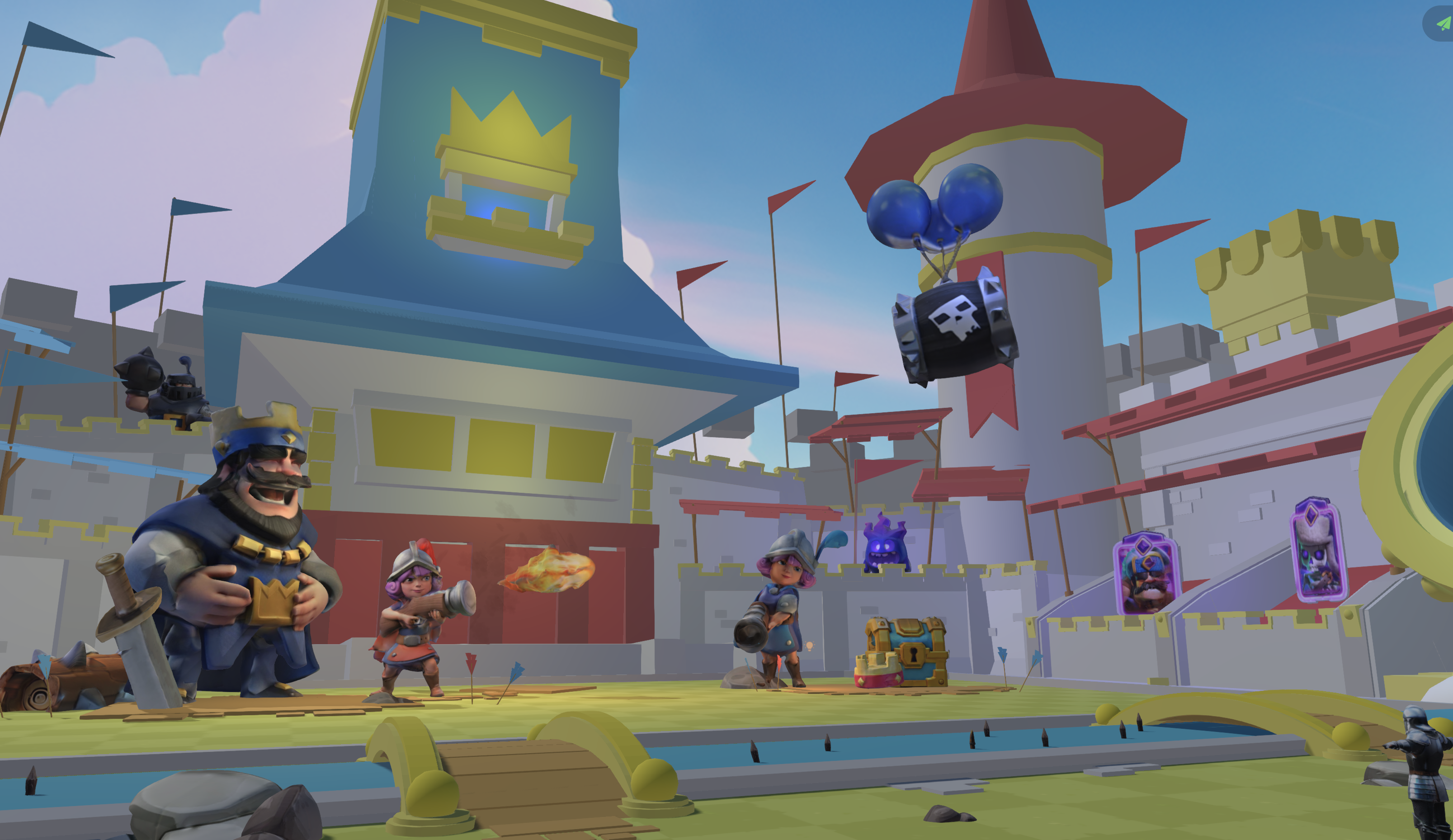
Try Nilo’s browser-based engine with no install required.
Frequently Asked Questions
What does “browser-based” actually mean for a 3D game creation tool?
A browser-based tool runs entirely inside your web browser, like Chrome, Firefox, or Safari, without any download or installation. For 3D game creation, this used to mean limited performance. WebAssembly, which runs high-performance code in the browser, and WebGPU, which gives browsers access to your GPU, changed that. Nilo uses both, so it can run a real game engine with physics simulation, real-time multiplayer, and 3D rendering without asking you to install anything. The practical benefit is simple: you can start creating from any device, share a link with a friend, and build together instantly.
What is vibe coding and how does it work in a 3D game context?
Vibe coding means describing what you want your game to do in plain language and having an AI generate working code instantly. In a 3D game context, this replaces the need to learn Lua or any other programming language. You might type “make this door open when a player walks near it” and see it happen in your 3D world in real time. The strongest implementations also let you see and edit the actual code variables, so you learn programming concepts by tinkering instead of studying. Nilo’s built-in code editor works this way and accepts text, voice, or image prompts in many languages while showing changes live in your 3D world.
Can I really export from a browser-based tool directly to Roblox Studio?
Yes, although not every browser-based tool supports this. Roblox Studio accepts standard 3D file formats including FBX and glTF. The challenge comes from Roblox’s strict performance requirements, which include limits on triangles and texture sizes. Tools that do not automatically optimize for these limits can produce files that fail to import or cause performance problems in your game. Nilo’s export pipeline handles this using a built-in LOD system that adjusts polygon counts before export. You click export, download the file, and import it into Roblox Studio without a separate Blender cleanup step.
What is the difference between a prompt-to-game tool and a real game engine in the browser?
A prompt-to-game tool generates a playable game from a text description. You type “make a zombie survival game” and it produces something. Once it is generated, you often have limited ability to change specific elements without regenerating everything. A real game engine in the browser puts you inside a 3D environment where you build, place objects, test physics, write logic, and iterate. AI helps at each step instead of doing everything for you. This hands-on approach gives you creative control and teaches real game development skills. Nilo focuses on being a game engine first, so you build inside the world instead of waiting for AI to build it for you.
Do I need to own my creations to sell them on Roblox?
Yes, ownership matters if you want to sell your work. Any assets you create in Nilo are yours. You can export them, publish them on the Roblox Marketplace, and monetize them as UGC items. Nilo is not a walled garden. Your models, skins, and accessories belong to you and can move to Roblox, Unity, Unreal Engine, VRChat, or any other platform that accepts standard 3D formats. The Roblox creator economy pays out over $1 billion annually to creators and continues to grow, so owning your assets and being able to publish them freely should factor into your choice of creation tool.