Written by: Nuno Leiria, Founder & CEO @ Nilo | Last updated: August 11, 2026
What You Will Get From This Guide
- Vibe coding lets you describe low-poly 3D assets in plain language and watch them appear instantly in a browser world.
- Low-poly models with flat shading and under 5,000 triangles keep load times fast and performance smooth across devices.
- Nilo’s automatic retopology and LOD slider keep triangle counts within Roblox’s 10k–20k limit without any Blender cleanup.
- Text prompts handle rigging, animation, and game logic, so you can build a playable world in about 60 to 90 minutes.
- Open Nilo in your browser and start building, with no installs or coding required.
Who You Are And What These Terms Mean
You might have grown up building in Roblox or Minecraft and now want to ship your first playable 3D world this weekend. You want to skip Blender, skip writing code, and still feel proud of what you publish. This guide walks you through that process step by step.

Here are a few terms to keep in mind as you build:
- Low poly: A 3D model built from a small number of polygons, usually flat triangles or quads. Low-poly models use fewer polygons, which keeps load times short and real-time performance smooth.
- Retopology: The process of rebuilding a messy AI-generated mesh into clean, game-ready geometry. People usually do this by hand in Blender, but Nilo handles it for you.
- LOD (Level of Detail): A system that swaps in simpler versions of a model as it moves farther from the camera. This reduces processing work when your scene has many assets.
- Natural language prompts: Creating 3D games by talking, typing, or sending images to the AI. You describe what you want and do not need scripting knowledge.
The 7-Step Browser Workflow For Your First World
This workflow fits into a single browser session, about 60 to 90 minutes from blank world to shareable link. Each step includes a prompt you can copy and paste.

- Set up a new Nilo world (2 min). Open play.nilo.io in any browser, with no download or install. Click “New World,” give it a name, and choose a sky and ground color to set the visual mood. You appear inside a live 3D environment right away, so you can start generating assets immediately. Pick a theme now, like fantasy, sci-fi, or cozy, so your prompts stay consistent and your world feels unified.
- Generate low-poly base assets with copy-paste prompts (10–15 min). Use Nilo’s radial menu to open the asset generator and start with one clear hero object. Try this prompt: “low poly medieval watchtower, flat shading, earthy tones, under 5000 triangles, geometric style.” Style keywords like “low poly, flat shading, geometric, vibrant colors” help the AI produce clean faceted results. Create three to five hero props before you move on, so your scene has a strong core.
- Apply real-time retopology and the LOD slider (5 min). Select any generated asset and open the Optimize panel to check its triangle count. Drag the LOD slider until the count sits between 10,000 and 20,000, which matches Roblox’s performance cap. Nilo’s retopology runs in real time, so you see the mesh simplify as you move the slider. You stay in the browser the whole time and skip any Blender detour.
- Rig and animate characters with text (10 min). Select a bipedal character in T-pose and click “Rig” to apply a full skeleton with one click. Then type an animation prompt such as “idle breathing loop, slight weight shift, relaxed stance.” The character starts moving live in your world so you can judge the feel instantly. Clothing rigs as part of the full character model, so you do not need to manage separate layers.
- Add vibe-coded interactions (10–15 min). Open the code editor and describe the behavior you want in plain language. For example, type “when the player walks into the watchtower door, play a creak sound and open it slowly.” Nilo’s natural language editor turns that into working logic and updates your world in real time. You can also tweak variables directly, such as changing
speed = 2tospeed = 20, to see how the code affects behavior without writing it from scratch. - Playtest in-browser with friends via link (5 min). Click “Invite” and share the URL so friends can join with a single tap. Anyone with the link can play instantly, and they do not need an account to hop in. Build together in real time or just run around to test collisions, physics, and interactions. After each change, play for at least two minutes and log broken mechanics, boring spots, and missing feedback before you move on.
- Export FBX or glTF, or publish directly (5 min). When your world feels good, click Export to download an FBX or glTF file that you can bring into Roblox Studio, Unity, Unreal Engine, or Blender. If you want to share fast, click “Publish” to make your world public on Nilo. One click gives you a link you can send to friends or your community.
Try these seven steps live in Nilo and see your first world come together.
Staying Within Low-Poly Limits Without Extra Tools
Roblox enforces a hard limit of 10,000 to 20,000 triangles per mesh and a maximum texture size of 1024×1024 pixels. AI-generated models often blow past those limits and become too dense for Roblox or browser games. Many builders get stuck right there in a Meshy to Blender to Roblox Studio chain that feels slow and confusing.
Nilo’s LOD system closes that gap for you. LOD systems swap between mesh resolutions based on camera distance to keep performance stable. In Nilo, you drag the slider, watch the mesh simplify, and see the triangle count update in real time.

For textures, web assets need sizes that match platform limits so scenes stay responsive. Nilo’s export pipeline respects Roblox texture constraints automatically when you choose Roblox as the target, which removes manual resizing work.
That automation is why, in Nilo’s February 2026 survey, 72% of builders said Nilo makes their creative process easier “by a lot,” and the speed difference feels huge. One builder explained it this way: “I do not have to spend hours on 3D modeling the simplest things. Now I can use Nilo and do it in 15 seconds.”
Checklist To Make Your World Actually Playable
A world that looks great but plays badly will lose players fast. Before you share your link, run through this short checklist.
- Collision: Every walkable surface and wall needs a collision mesh so players do not fall through. In Nilo, physics and collisions stay active by default, so objects bump and react in real time without extra setup.
- Physics: Test that props fall, stack, and react in a way that feels natural. If something feels wrong, adjust mass and friction values in the inspector panel until movement matches your vision.
- Audio sync: Trigger sounds on key interactions like doors, pickups, and jumps so actions feel responsive. Type the interaction into the code editor, for example “play a coin sound when the player touches the gold chest.”
- Mobile input: Browser games need real testing on phones because keyboard-only controls fail on touch screens. Nilo runs in mobile browsers, so share your link and try your world on your phone before you publish.
- Frame rate: If your world feels sluggish, lower the LOD slider on background props that do not need detail. Mobile browsers usually handle about 50,000 to 100,000 polygons per scene before frame rates drop, so keep your total scene budget inside that range.
Browser Pipelines vs Desktop Pipelines For You
You can build low-poly games either in a browser or with a stack of desktop tools. When you compare the two, focus on setup time, retopology work, multiplayer testing, and how often you switch tools. The table below shows how a browser workflow in Nilo removes much of the multi-tool friction that slows traditional pipelines.

| Dimension | Nilo (browser) | Unity + Blender + Roblox Studio (desktop) |
|---|---|---|
| Setup time | Zero, open a link and build | Hours of installs, project config, and plugin setup across three separate apps |
| Retopology | Automatic LOD slider, polycount tuned for Roblox Studio without extra steps | Manual Decimate modifier in Blender, Collapse type at 0.5 ratio or lower per asset |
| Multiplayer playtesting | Share a URL, friends join instantly, no account needed | Requires server setup in Unity or a Roblox Studio team test session |
| Context switches | One browser tab to generate, rig, animate, code, playtest, and export | Meshy to Blender to Unity or Roblox Studio, three tools, three save formats, three learning curves |
As one Nilo Creator said in the February 2026 survey: “I like how it feels like a good game engine rather than a vibe coding tool, with easy building and a good focus on being able to export and import content.”
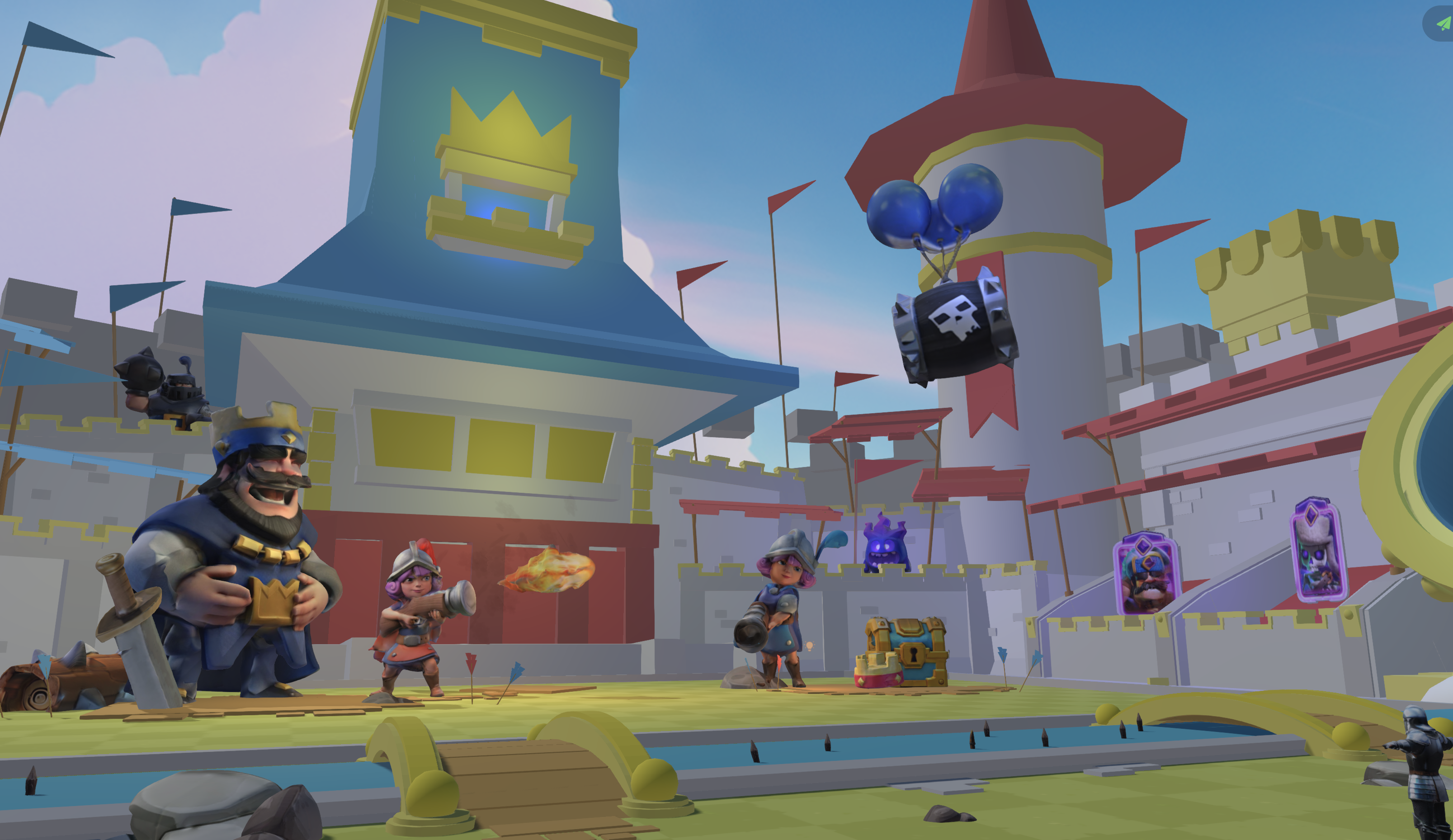
Skip desktop tool-switching and start building directly in your browser.
Frequently Asked Questions
How long does it take to ship a playable low-poly world in Nilo?
Most builders ship a first shareable world in one focused browser session. That usually means 60 to 90 minutes from blank scene to link. You generate assets, tune polygon counts, add basic interactions in the code editor, and playtest with a friend over a shared URL. The exact time depends on how many assets you create and how much you tweak your interactions. Starting with a clear theme and three to five hero props keeps your scope tight and your session on track.
Do I need any coding or 3D modeling experience?
You do not need previous coding or modeling experience to start. Nilo’s code editor accepts natural language, so you describe what you want to happen and see working game logic appear in real time. For 3D assets, you type or sketch what you want and Nilo generates it for you. The interface teaches real concepts like rigging, polygons, and mesh topology as you build, so you pick up the vocabulary naturally. Builders in the community often say things like, “It lets my imagination free and let loose instead of having to plan out a whole blueprint on what to make with my past modeling tools.”
What export formats can I use, and how do I bring assets into Roblox?
Nilo exports to FBX, OBJ, STL, and glTF, which work with Roblox Studio, Unity, Unreal Engine, Blender, and VRChat. The LOD system brings triangle counts inside Roblox’s 10,000 to 20,000 polygon cap before export, so assets import cleanly without manual cleanup. Rigged and animated characters export ready for use. For 3D layered Roblox clothing, you still set that up in Roblox Studio after export, while Nilo’s Workbench generates flat Torso and Leg textures for Roblox characters.
Is Nilo free, and will it run on my device?
Nilo is free to use with 1,000 Nilo Bits per month, which are the credits that power AI generation, rigging, and export. Many core building features do not use Bits at all, so you can keep experimenting. The platform runs fully in the browser on both desktop and mobile, with no downloads or installs. It uses a custom engine built on WebAssembly and WebGPU, so you get real game performance without a high-end PC. You just open a link and start creating.
What should I try if the AI generates a messy or “melted-looking” model?
Prompt precision helps a lot when models look off. Add clear style keywords to your prompt, such as “low poly, flat shading, geometric, vibrant colors, under 5000 triangles,” instead of only naming the object. If the first result misses the mark, change one element at a time, like the style word, a color reference, or a more concrete shape description. Nilo’s model-agnostic layer lets you switch between AI providers, including Meshy, Tripo, and others, from the same interface. If one model struggles with your idea, another may handle it better. You can also use the LOD slider and retopology tools to clean up geometry after generation without leaving the browser.
Start Vibe Coding Your First Low-Poly World Today
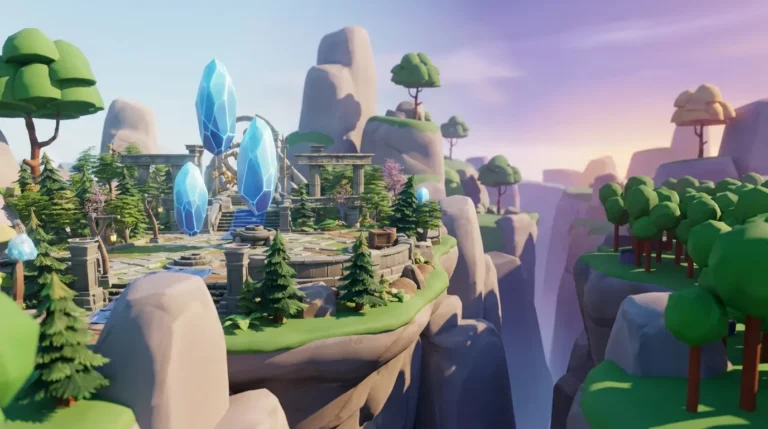
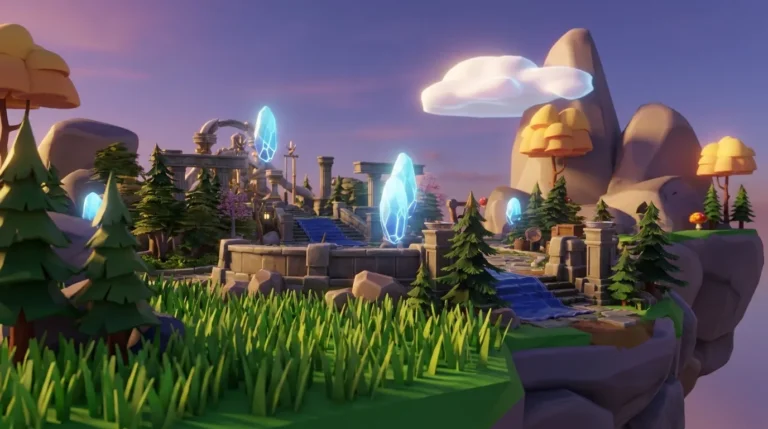
You already have the idea and a browser, and the seven steps above turn that into a playable low-poly world in a single session. You do not need Blender, scripting, or a pile of separate tools, and you can still export to engines you already know. Nilo Creators are building everything from floating island hubs to custom Roblox-ready characters, and the process feels like play from start to finish.
The same February 2026 survey found that 93% of builders would recommend Nilo to a friend. The Discord community of more than 9,000 builders is active, supportive, and building right now. Backed by Supercell, Nilo stands out for aspiring builders and already builders like you who are ready to move from playing to creating.
Open Nilo, start vibe coding, and share your first low-poly world today.