Written by: Nuno Leiria, Founder & CEO @ Nilo
Key Takeaways for Roblox Builders Like You
- SuperbulletAI is a desktop-only Roblox Studio plugin that needs a modern Windows or macOS machine plus local storage.
- Browser-based tools remove hardware checks, downloads, and malware risks so you can start creating from almost any device.
- Nilo handles retopology, rigging, and polygon cleanup in real time, so you can skip Blender and manual fixes.
- You can generate, optimize, rig, and export Roblox-ready assets in seconds using prompts or sketches directly in your browser.
- Start creating Roblox-ready assets in your browser — join the free beta.
SuperbulletAI Desktop System Requirements
Here are the system requirements for running SuperbulletAI on a desktop machine based on its public documentation.
| Requirement | Minimum | Recommended |
|---|---|---|
| Operating System | 64-bit Windows 10/11 or macOS 12+ | Windows 10/11 or macOS 12+ |
| RAM | 8 GB | 8 GB |
| Storage | 1 GB free disk space | Available local storage |
| Connectivity | Stable internet connection | Stable internet connection |
SuperbulletAI runs as a Roblox Studio plugin, so you also need Roblox Studio installed. Roblox Studio requires Windows 10 or higher or macOS 10.14 or higher, with at least 3 GB RAM and 8 GB or more recommended. You install two desktop apps before you generate a single asset.
Why You Keep Searching for a SuperbulletAI Browser Version
You probably searched for “superbullet ai browser requirements” because you want to open a tab, start creating, and skip installers completely.
That instinct makes sense. Desktop tools add real friction:
- You need to check whether your machine meets hardware requirements before you even start.
- Installs take time, and on shared or school computers, they may not be allowed at all.
- Roblox Studio is desktop-only for building and editing, with no official browser version, so you must install the desktop app to build.
- Downloading tools from third-party forums introduces malware risk, especially when you are still figuring out which sources to trust.
Browser-based tools eliminate these friction points entirely. When AI inference runs remotely, you do not need a 16–24 GB GPU or CUDA setup, just a browser tab. Your creative flow starts the moment you open the link.
Skip the install and start building in your browser.
How SuperbulletAI and Nilo Generate Assets
SuperbulletAI generates assets through a Roblox Studio plugin, so it depends on local processing and on Roblox Studio running on your machine. Your hardware carries the load.
Nilo runs in your browser and lets you generate 3D characters, weapons, and detailed props in seconds from sketches or prompts. You avoid desktop installs, plugins, and hardware checks.

You can describe what you want in plain text, talk to the AI, or upload images and sketches. Nilo routes your request through a model-agnostic AI layer that connects to providers like Meshy, Tripo, Nano Banana, Cartwheel, and Uthana behind one interface. As these models improve, your results improve automatically.
Nilo’s browser engine uses WebAssembly and WebGPU for real-time 3D. As of January 2026, WebGPU shipped stable and on by default in Chrome, Edge, and Safari but remained unsupported in Firefox, which blocked Baseline status. The same stack powers Nilo’s performance directly in your tab.
Cleanup, Optimization, and Rigging in Practice
Desktop AI tools, including SuperbulletAI, often output meshes that need cleanup. Retopology, which rebuilds a mesh so it has clean, game-ready geometry, usually means opening Blender, spending 30 minutes or more per asset, then re-importing everything.
Nilo handles retopology automatically in real time. You move a level-of-detail slider that controls how many polygons your model uses, and the mesh simplifies instantly. You stay in the same browser tab instead of detouring into Blender.

For character rigging, which adds a skeleton so your model can move and animate, Nilo offers one-click rigging for bipedal humanoid characters in a T-pose. That pose gives you reliable animation quality. Clothing rigs with the full character model, so you do not manage separate layers. Work that usually takes days in pro tools turns into a single click.

Exporting Roblox-Ready Assets from Each Tool
SuperbulletAI and Nilo both export files that work with Roblox Studio, including FBX and glTF formats. The big difference sits in how ready those files are when you export.
Nilo tunes polycount so models drop into Roblox Studio and other platforms without extra passes. Roblox caps MeshPart assets at 10,000 triangles. Nilo’s LOD system targets that cap for you. With SuperbulletAI or similar desktop tools, you often need a separate manual pass, usually back in Blender, to hit that limit.

SuperbulletAI vs Nilo: Setup at a Glance
| Factor | SuperbulletAI (Desktop) | Nilo (Browser) |
|---|---|---|
| Time to first asset | Install Roblox Studio and plugin before creating | Start generating seconds after opening a tab |
| Hardware required | Modern 64-bit Windows or macOS machine with local storage | Any device that runs a modern browser |
| Installation steps | Download Roblox Studio, install plugin, configure | Open play.nilo.io and start creating |
| Collaboration | Single-user desktop workflow | Real-time multiplayer creation through a shared link |
Why Desktop AI Tools Often Slow You Down
If you have tried a desktop AI tool for Roblox assets, you have likely hit at least one of these problems.
- Download friction. Even simple installs take time, and on school or shared computers they may not be allowed.
- Hardware gatekeeping. Self-hosted tools that run locally often need a capable GPU and technical setup, which many aspiring builders do not have.
- Malware risk. Grabbing tools from random forum or Discord links can expose you to unsafe downloads. Browser tools with no install avoid this risk.
- Broken creative flow. Jumping between Roblox Studio, a plugin, and Blender breaks your focus. Every extra tool adds another failure point.
Avoid these desktop headaches — create in your browser for free.
Checklist for Comparing Roblox AI Tools
Use this checklist when you compare Roblox asset tools so you can pick a workflow that actually fits you.
- Browser-based or desktop-only. No install means no hardware check, no download risk, and almost no setup time. Cloud AI 3D platforms let you generate models from text or image prompts entirely in the browser without a local GPU.
- Natural language prompts. You should describe what you want in plain text, upload a sketch, or send a reference image instead of filling out technical fields.
- Direct Roblox Studio export. Look for FBX or glTF export with automatic polygon optimization that respects the triangle cap mentioned earlier. Manual retopology signals extra work.
- Built-in rigging. One-click rigging for bipedal characters saves hours per asset. If the tool sends you to Blender for rigging, add that time to your estimate.
- Real-time collaboration. Shared-link multiplayer building helps when you create with friends or teammates.
- Free way to start. A free tier lets you test the full workflow before you pay.
Your Fastest Path to a Roblox-Ready Asset
This workflow gives you a quick route from zero to a Roblox-ready asset. Because there are no installs, hardware checks, or Blender cleanup steps, creation feels like play and the setup stays out of your way.
- Open your browser. Any modern browser works, including Chrome, Edge, Firefox, or Safari.
- Go to play.nilo.io. You skip downloads, and you can explore without creating an account.
- Generate a test asset with a text prompt. Type what you want, like a sword, a character, or a prop, or upload a sketch. Nilo Creators describe the speed as generating assets “in 15 seconds” instead of hours of manual modeling (Nilo February 2026 Survey).
- Adjust the LOD slider. Watch your polygon count drop to Roblox-ready levels in real time.
- Rig your character with one click if you are working with a bipedal humanoid in a T-pose.
- Export to Roblox Studio. Download your FBX or glTF file and import it directly. The asset already meets Roblox-friendly limits.
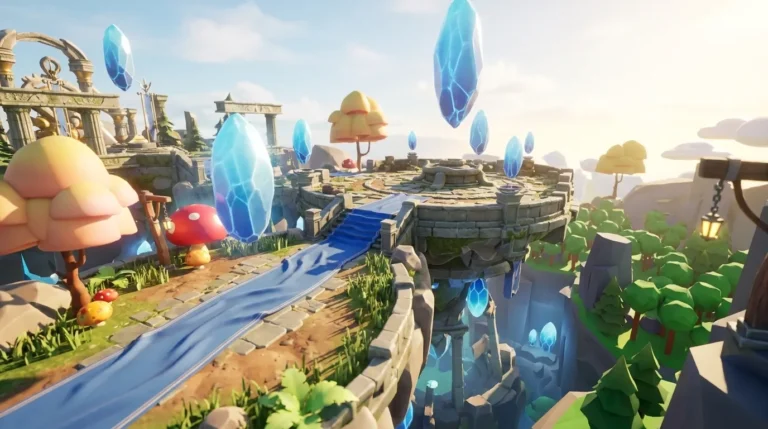
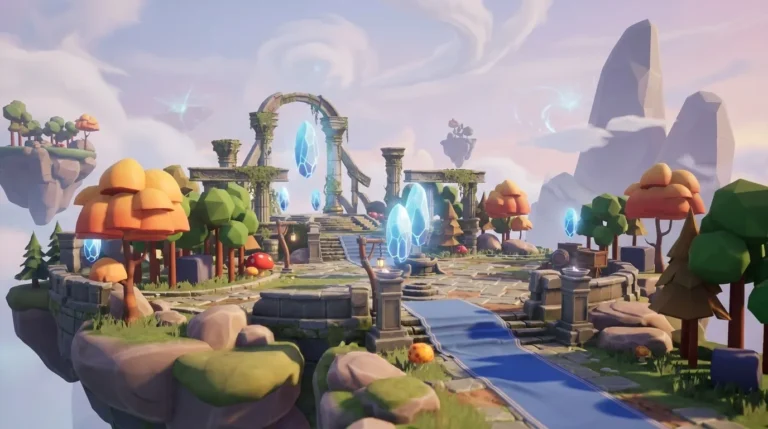
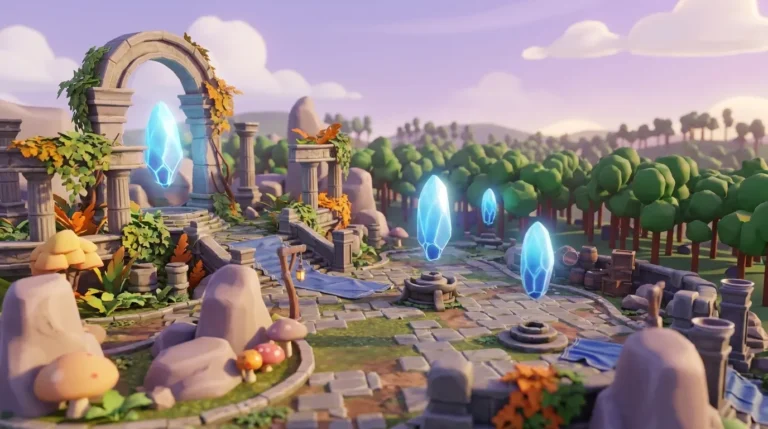
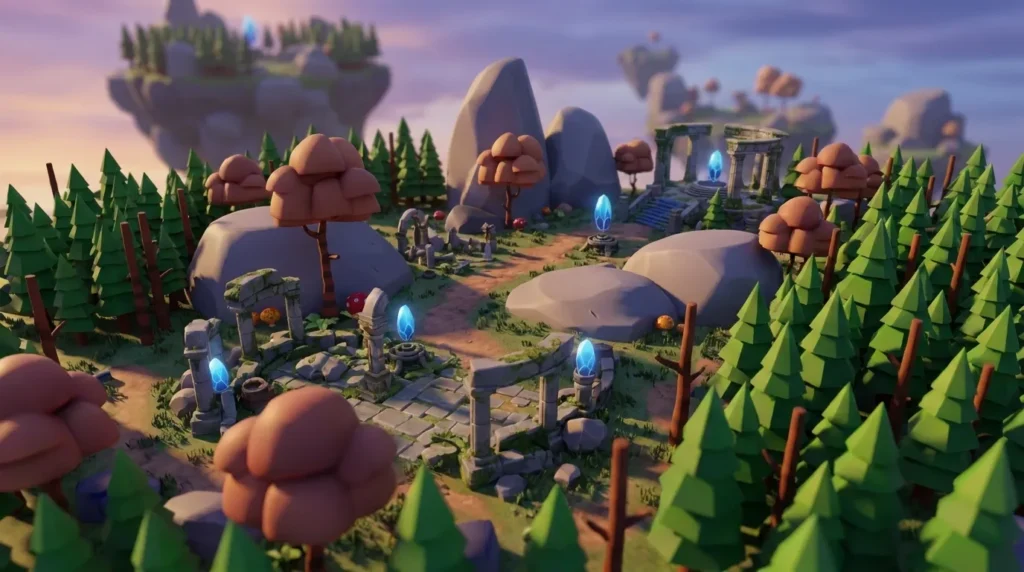
Nilo Creators build custom avatars, legendary weapons, and full floating-island environments without touching Blender or running hardware checks. In a February 2026 survey, 93% of Nilo builders said they would recommend Nilo to a friend, and 82% rated their experience as “Awesome” or “Good.” Backed by Supercell and built for aspiring builders and already builders like you, Nilo stands out as a place where vibe coding meets Roblox-ready results.
Join 93% of builders who would recommend Nilo — try the free beta.
Frequently Asked Questions
Does SuperbulletAI have a browser version?
No. SuperbulletAI is a desktop-only tool that runs as a Roblox Studio plugin. To use it, you need to meet the desktop requirements listed earlier and have Roblox Studio installed. There is no official browser version of SuperbulletAI. If you want to generate Roblox-ready 3D assets without installing software, you need a browser-native tool like Nilo.
How do desktop and browser AI tools differ for Roblox?
A desktop AI tool like SuperbulletAI requires downloads, specific hardware, and a configured Roblox Studio install. A browser-based tool runs entirely in your web browser, so you skip downloads, hardware checks, and long setup. You open a link and start creating.
Browser tools also often support real-time collaboration because your world lives in the cloud instead of on one machine. For Roblox assets, you should check whether the browser tool handles retopology, rigging, and polygon optimization to meet the triangle cap mentioned earlier without sending you into Blender.
Can Nilo replace my current Roblox asset workflow?
Nilo focuses on the slowest parts of the Roblox asset workflow. You generate 3D models from prompts, sketches, or images, tune polygon counts, rig characters, and export directly to Roblox Studio. Builders in Nilo’s community report going from idea to exported asset in minutes instead of hours.
Nilo does not replace Roblox Studio. It accelerates your Roblox workflow. You still use Roblox Studio to publish and run your game, while Nilo removes the Blender detour, most manual retopology, and much of the hardware gatekeeping that slows you before you even start building.
Do I need a powerful computer to use Nilo?
No. Nilo runs in your browser using WebAssembly and WebGPU, so heavy processing happens remotely instead of on your device. It works on desktop and mobile browsers, including devices that would not meet typical desktop AI hardware requirements. You do not need a dedicated GPU, a specific operating system version, or a high-RAM machine. If your browser can open a modern website, it can run Nilo.
Is Nilo free to use?
Yes. Nilo’s Starter tier is free and includes 1,000 Nilo Bits per month, which power AI generation, rigging, and export. Many core building features use no Bits at all. You can earn more Bits through Nilo Rewards by inviting friends and building with the community.
For builders who want access to newer high-quality generation models or more monthly credits, Builder and Pro tiers are available. The open beta is live now, and you can start creating without adding a payment method.